FreeNo accountOpen source ↗
Pixel art and animation, in your browser
Draw sprites, animate them frame by frame and open your .aseprite projects on a computer, iPad or phone. Files stay on your device.
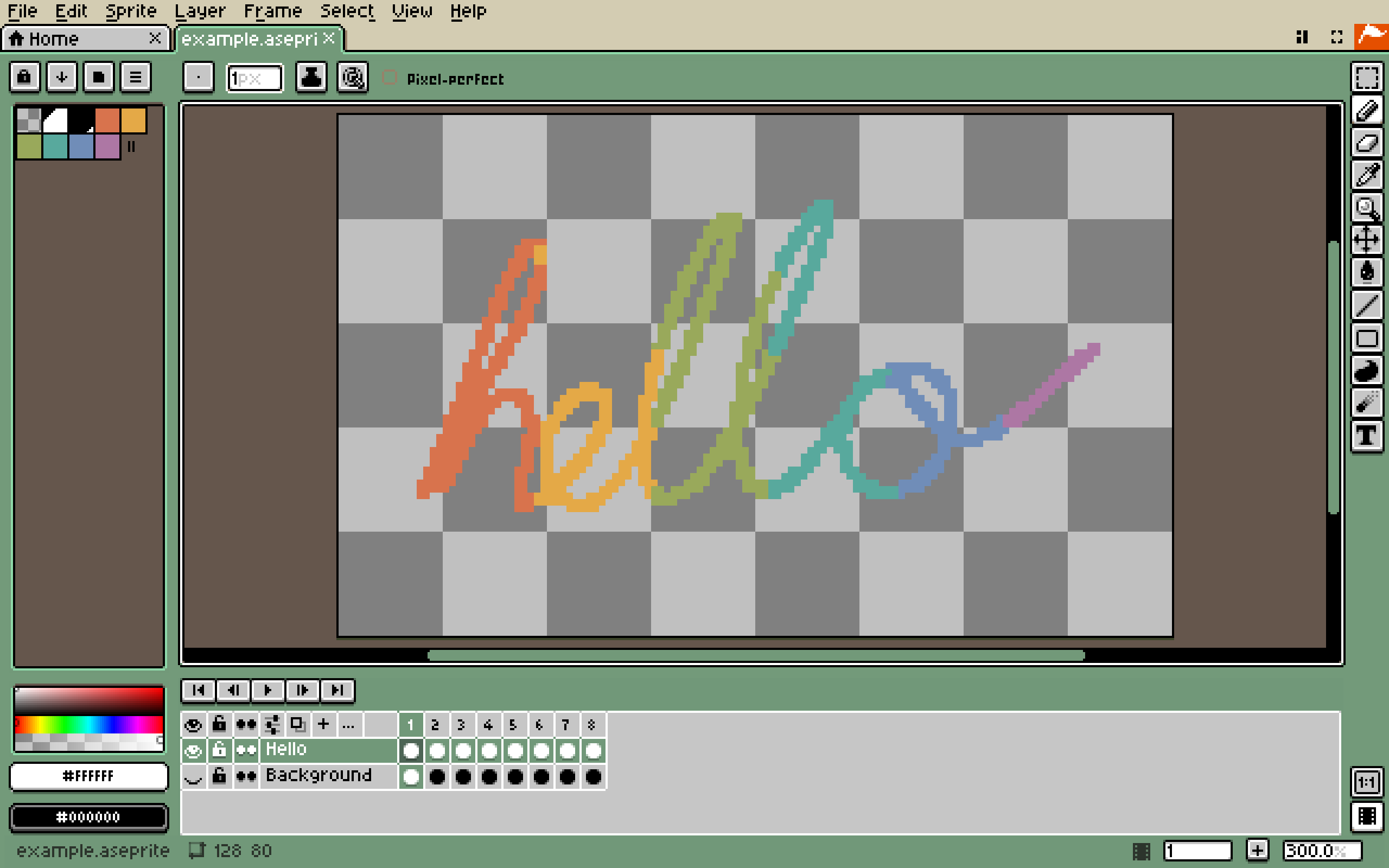
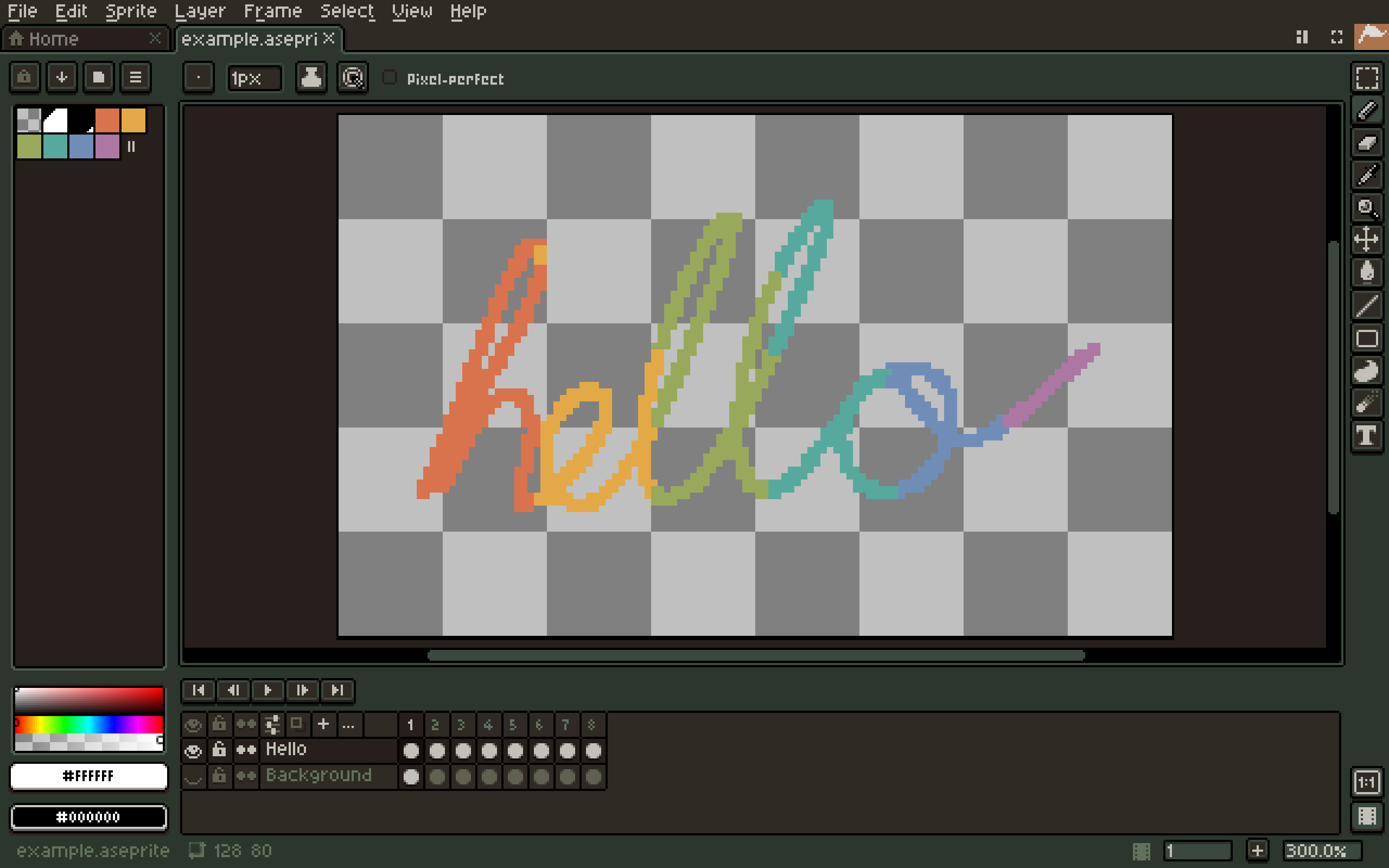
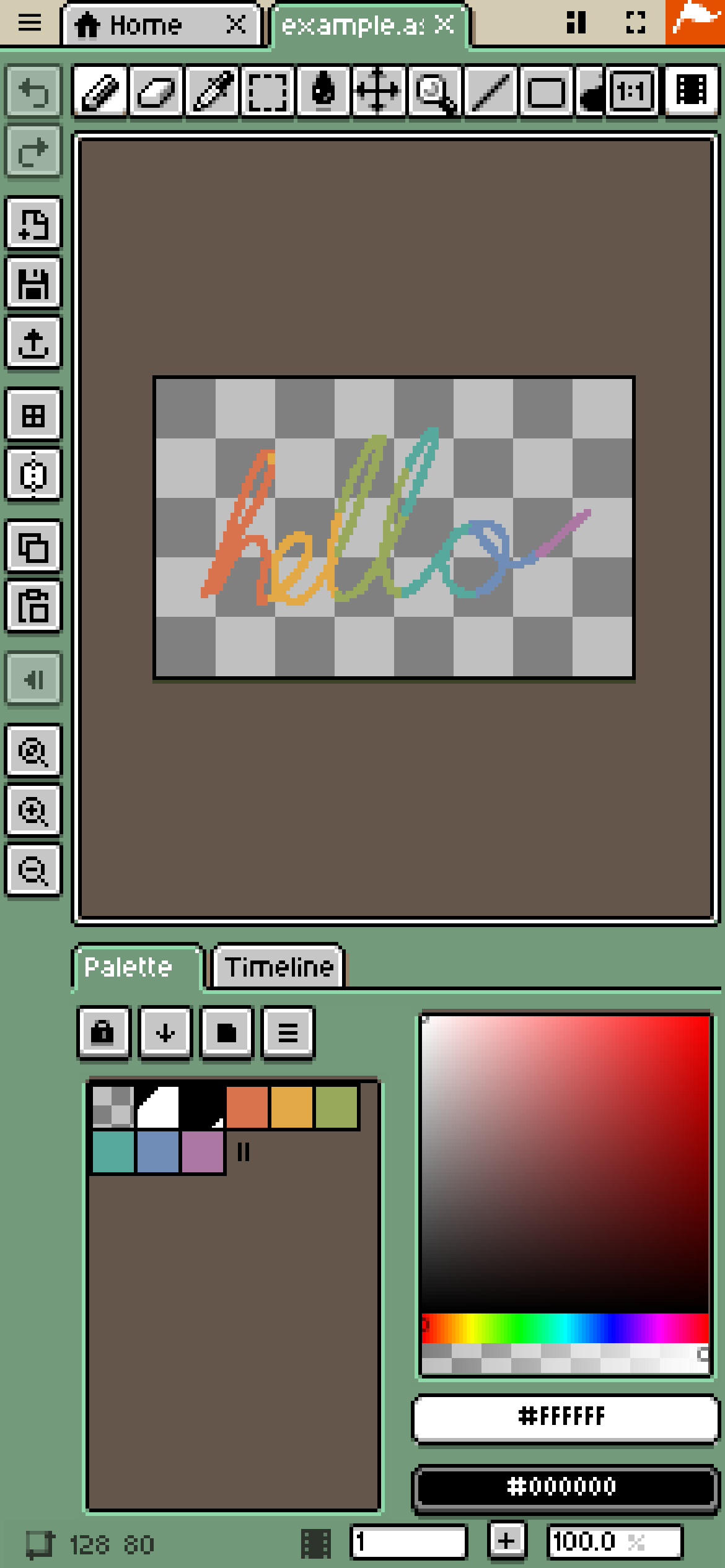
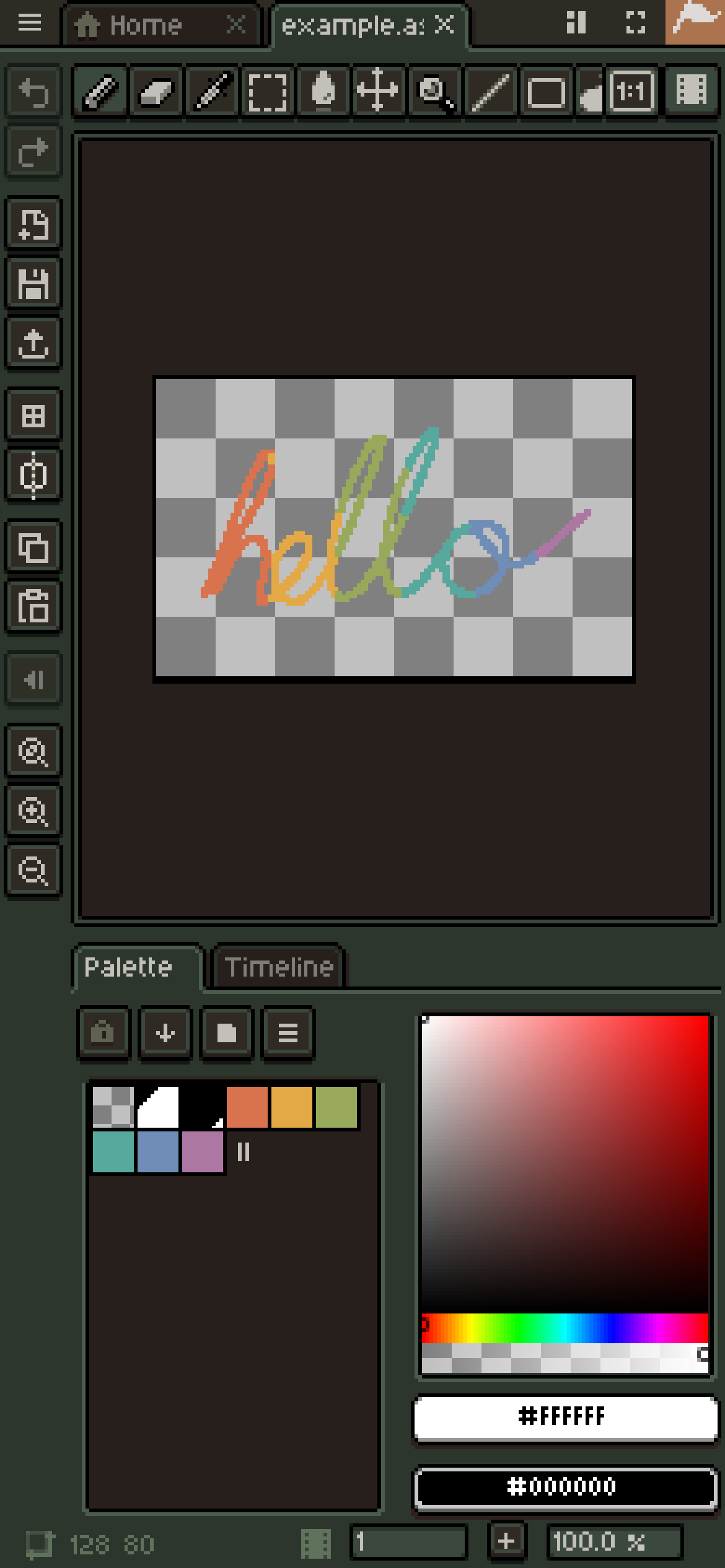
01 / Files
.aseprite
Open and save the original format.
02 / Input
Pen + touch
Apple Pencil, fingers or a mouse.
03 / Storage
On device
Nothing uploads. Works offline.
04 / Price
Free
No account. Open source.
Everything a sprite needs
The tools Aseprite users know, with a workspace you can move, resize and dock on any screen.
Features6
- Draw pixel artPixel-perfect pencil, shapes, fill, selections and custom brushes.B · G · M
- Frame animationTimeline, onion skin, tags and linked cels.Tab
- Layers and colorsLayers, palettes, color modes and indexed images.256
- Build tilemapsTilemap layers and tilesets for game maps.16×16
- Draw on tablets and phonesApple Pencil and touch gestures on iPad and phones.iPad
- Export images and animationPNG, GIF, APNG, WebP and sprite sheets with JSON.GIF
One-job tools
Drop a file and get the result. Each tool runs on the page and can open the result in the editor.
Made in Xprite
Each file opens in the editor with its layers and frames.


FAQ
For editing instructions, see the user guide.
Is Xprite free? Do I need an account?
Xprite is free and needs no account. Open the editor to start. Source is on GitHub. If you'd like to support the project, starring the repo or following on social media already helps a lot; optional donations via Ko-fi or WeChat are welcome too.
Can I use Xprite on an iPad or phone?
Yes. Xprite works in browsers on computers, tablets and phones, with support for touch and pens such as Apple Pencil. Large projects may slow down or fail to open on devices with less memory. See fingers and a pen for touch controls.
Can I open Aseprite files?
Yes. Open .ase and .aseprite projects with their layers, frames and tags, then save as .aseprite to continue editing in Aseprite. Xprite does not implement every Aseprite feature or run its scripts and extensions, so some projects may not be fully compatible. See open and export files.
Where is my work saved? Does it sync automatically?
Save projects in the current browser or as files on your device. They do not sync automatically across devices or browsers. Clearing site data deletes browser projects and recovery backups; save a file copy for backup or to move work to another device. See save and recover.
Is my work uploaded to a server?
Editing and saving do not upload your work. The editor also creates share links locally, with the project data inside the link. Anyone with the complete link can open the project, and sending it through a messaging service gives that service the project data too. The website sends usage analytics and feedback you submit. See the privacy notice.
Can I use Xprite offline?
Yes. Open the editor online once and let it finish preparing its offline resources. You can then edit offline and add Xprite to your desktop or home screen. See add to desktop and use offline.
What else can Xprite do?
Animate frame by frame with tags and onion skin, build tilemaps for game levels, record your drawing process, and arrange your workspace by moving and docking panels. You can also keep editing Aseprite projects. The browser tools turn a photo into pixel art with the Image to Pixel Art converter, Fix AI pixel art / recover grid for soft or off-grid AI pixels, and a GIF into a sprite sheet. See all features.
How is Xprite related to Aseprite?
Xprite is an independent project with an interface and controls based on Aseprite. It is not affiliated with or endorsed by Aseprite or Igara Studio S.A.